Best Monitor for Working from Home in 2026
Comparison of the 7 best monitors for working from home. Size, resolution, ergonomics, and value for money analyzed.
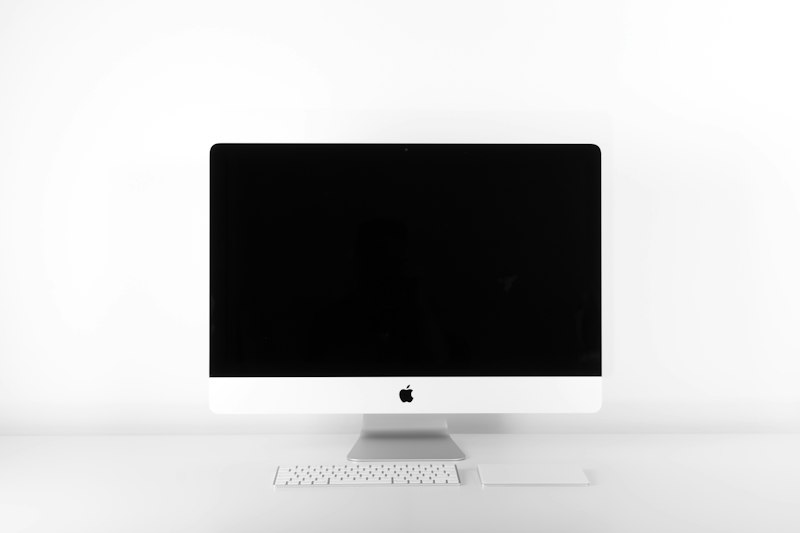
The monitor is the piece of your setup you stare at the most. Choosing wrong means eye strain, neck pain, and productivity through the floor. We’ve compared monitors from 24” to 34” to find the best ones for working from home.
What matters in a work monitor
- Size and resolution — 27” 4K is the sweet spot. Enough space without straining
- IPS panel — Better viewing angles and colors than VA or TN
- Height adjustment — Essential for posture. If it doesn’t have it, you need an arm
- USB-C connectivity — One cable for video + laptop charging. The future
- Blue light filter — Reduces eye strain during long sessions
Quick comparison
| Monitor | Size | Resolution | Panel | USB-C | Approx. Price |
|---|---|---|---|---|---|
| Dell U2723QE | 27” | 4K | IPS Black | Yes (90W) | ~$486 |
| LG 27UP850N | 27” | 4K | IPS | Yes (96W) | ~$410 |
| Samsung ViewFinity S6 | 27” | QHD | IPS | No | ~$270 |
| BenQ GW2780 | 27” | FHD | IPS | No | ~$195 |
| Dell P2422H | 24” | FHD | IPS | No | ~$184 |
| ASUS ProArt PA278QV | 27” | QHD | IPS | No | ~$346 |
| LG 34WN80C | 34” | UWQHD | IPS | Yes (60W) | ~$540 |
1. Dell U2723QE — The best monitor for work
The Dell U2723QE is our number one recommendation. IPS Black panel with deep blacks, USB-C with 90W charging, integrated USB hub, and excellent factory calibration.
Why this one
- IPS Black — Blacks 60% deeper than conventional IPS
- USB-C with 90W — Charges your laptop while you work with a single cable
- Integrated USB hub — 5 USB ports directly on the monitor
- sRGB 99% calibration — Accurate colors with no adjustments
- Full adjustment — Height, tilt, swivel, and pivot
Who it’s for
Professionals who want the best without paying professional monitor prices ($750+). If you work with design, documents, or programming, this is your monitor.
2. LG 27UP850N — Best value 4K
If the Dell seems pricey, the LG 27UP850N offers 4K with USB-C (96W) for $75 less. Standard IPS panel, not Black, but still excellent.
Why this one
- Real 4K for under $410 with USB-C included
- 96W charging — Enough for any laptop
- HDR400 — Basic but improves contrast
- AMD FreeSync — Also works for casual gaming
3. Samsung ViewFinity S6 — Best budget QHD
If 4K is too much for your budget, QHD (2560x1440) is the perfect middle ground. More space than FHD, less demanding on the GPU.
Why this one
- QHD for $270 — The most practical resolution
- 100Hz IPS panel — Smooth scrolling
- Full adjustment — Height, pivot, tilt
- No USB-C — Its only real downside
See Samsung ViewFinity S6 on Amazon →
4. BenQ GW2780 — Best cheap monitor
For under $195 it’s hard to find anything better. FHD, IPS, with built-in speakers and blue light filter. Basic but gets the job done.
Why this one
- $195 — The lowest price in our comparison
- Auto brightness sensor — Adapts to ambient light
- Blue light filter — Less eye strain
- Built-in speakers — Basic but useful
5-7. Quick mentions
Dell P2422H — $184
24” FHD with full adjustment. Ideal if you have limited space or prefer a smaller screen. See on Amazon →
ASUS ProArt PA278QV — $346
27” QHD with professional calibration. For designers and photographers on a budget. See on Amazon →
LG 34WN80C — $540
34” curved ultrawide with USB-C. If you need lots of horizontal space (programming, video editing). See on Amazon →
Which one should you buy?
- No limit: Dell U2723QE — the best 27” 4K
- Best value: LG 27UP850N — 4K + USB-C for less
- Tight budget: Samsung ViewFinity S6 — solid QHD
- Under $200: BenQ GW2780 — reliable FHD
Combine any of these with an ErGear monitor arm ($22) and you’ll have the perfect position.
Frequently asked questions
What monitor size is best for working from home? ▼
27 inches with QHD resolution (2560x1440) is the sweet spot. Enough space for two windows side by side without straining your eyes. 24-inch feels too small and 32-inch forces you to move your neck too much.
Is an ultrawide monitor worth it for work? ▼
If you work a lot with spreadsheets, code, or video editing, a 34-inch ultrawide is great. For general work with documents and email, a 27-inch QHD performs just as well or better.
IPS or VA monitor for working from home? ▼
IPS. Better color reproduction, wider viewing angles, and less eye strain. VA panels have better contrast but colors distort when viewed from an angle.