Best Value Ultrawide Monitor 2026: 7 Picks, $380-$1,100
7 ultrawides from $380 to $1,100: 34" 1440p, 38" 1600p and the 49" G9. The $480 LG 34GP63A is the universal sweet spot — curvature and refresh explained.
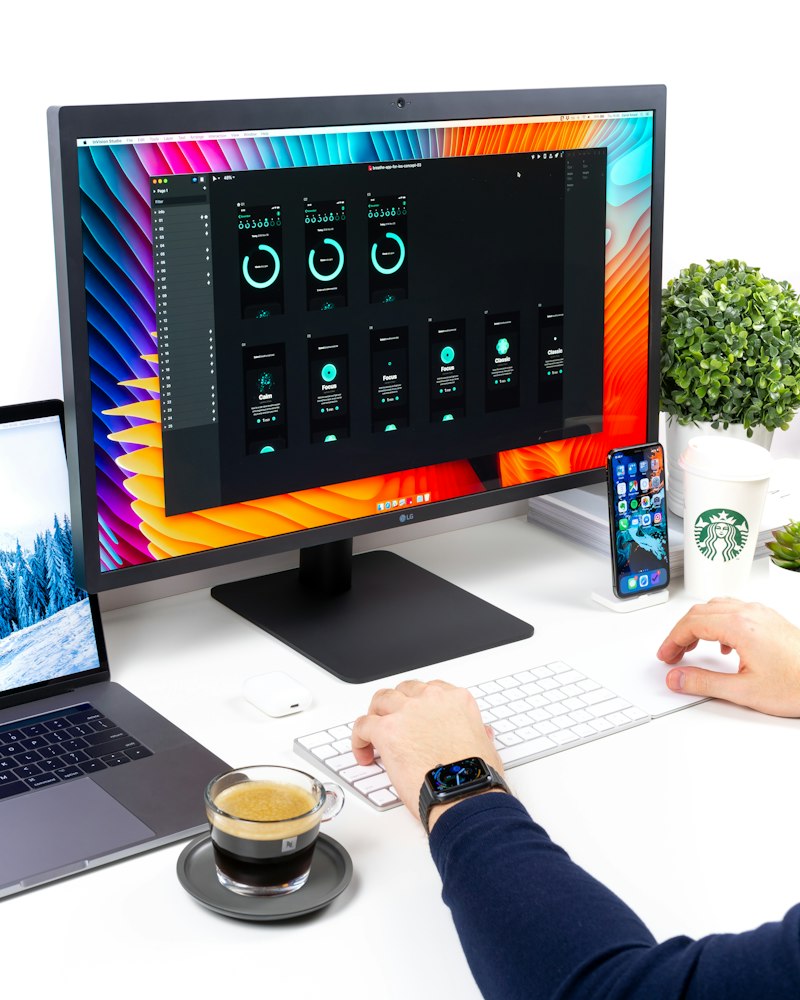
The ultrawide is the format that changes how you work more than any other part of the setup. Going from a normal 27” to a 34” 21:9 is like gaining a second monitor without the annoying bezel in the middle. But there’s a big gap between a good ultrawide and one that looks blurry or wobbles at the edges. These are the 7 best value ultrawide monitors of 2026, organized by price tier.
If you’re still deciding between ultrawide and traditional 16:9, take a look first at the best work-from-home monitor guide. Here we focus only on the widescreen format.
Quick comparison
| Monitor | Price | Size / Resolution | Refresh | Curvature | Best for |
|---|---|---|---|---|---|
| LG 34WP65C | $380 | 34” 3440x1440 | 160Hz | 1800R | Best entry value |
| Dell S3422DWG | $430 | 34” 3440x1440 | 144Hz | 1800R | Productivity + gaming |
| LG 34GP63A | $480 | 34” 3440x1440 | 165Hz | 1500R | Universal sweet spot |
| Samsung Odyssey G5 34” | $530 | 34” 3440x1440 | 165Hz | 1000R | Immersive gaming |
| LG 38WN95C | $1,000 | 38” 3840x1600 | 144Hz | 2300R | Premium productivity |
| Dell U3423WE | $1,050 | 34” 3440x1440 | 60Hz | 1800R | Professional work |
| Samsung Odyssey G9 49” | $1,100 | 49” 5120x1440 | 240Hz | 1000R | Super-ultrawide, no limit |
What matters in an ultrawide monitor
- Correct resolution for the size — At 34”, demand 3440x1440. The cheap 2560x1080 ones look pixelated. This is mistake #1 when buying ultrawide
- Curvature — 1800R or tighter (1500R, 1000R). On a widescreen, curved isn’t aesthetics, it’s real ergonomics
- Panel type — IPS for color and angles (work + mixed use); VA for more contrast and blacks (movies and gaming)
- Refresh rate — 100-165Hz is ideal today. Even just for work, 100Hz+ makes the desktop feel smoother
- USB-C connectivity — If you work on a laptop, an ultrawide with USB-C charging (90W+) leaves your desk with a single cable
Tier 1: $380-530 — The best entry point
1. LG 34WP65C — Best ultrawide under $400
Price: $380 · Rating: 4.6/5
The LG 34WP65C is the gateway to a properly done ultrawide. A VA 3440x1440 panel at 160Hz with 1800R curvature for under $400 is hard to beat. Deep blacks and enough brightness for a normal room.
What we like
- Real 3440x1440 (not 1080) — Correct sharpness for 34”
- 160Hz — Smooth for work and casual gaming
- VA panel with good contrast — Far better blacks than a cheap IPS
- HDR10 and FreeSync
What could improve
- VA has some ghosting in very fast games
- No USB-C (HDMI/DisplayPort only)
- Factory color runs a bit cool — fixable with calibration
Verdict
The best ultrawide to get started in the format without overspending. The smart buy of the entry tier.
2. Dell S3422DWG — Balanced productivity and gaming
Price: $430 · Rating: 4.5/5
The Dell S3422DWG adds a built-in USB hub and Dell reliability. VA 144Hz, very good contrast and clean cable management. If you want a single purchase to work by day and game by night, it’s one of the most complete at this price.
3. LG 34GP63A — The one I recommend to most people
Price: $480 · Rating: 4.7/5
The LG 34GP63A is the ultrawide sweet spot in 2026. It raises the curvature to 1500R (more enveloping), 165Hz and a very well-calibrated VA panel. For most people it’s where the money is best spent.
What we like
- 1500R curvature — More immersive than the 1800R of the entry models
- 165Hz + 1ms — Smooth for gaming and work
- Good sRGB coverage — Enough for non-professional design
- Height-adjustable stand — Uncommon at this price
Who it’s for / not for
- YES if you want the best price/performance balance for mixed use
- NO if you do professional color editing — step up to the Dell U3423WE
4. Samsung Odyssey G5 34” — The most immersive for gaming
Price: $530 · Rating: 4.5/5
The Samsung Odyssey G5 34” takes curvature to the extreme of 1000R (matching the curve of the human eye). For immersion games — sims, open world, racing — it’s the most enveloping of the mid tier.
What could improve
- 1000R is great for gaming but excessive for working with text/wide sheets
- Basic stand, consider a monitor arm
See Samsung Odyssey G5 34” on Amazon →
Tier 2: $1,000+ — Premium and super-ultrawide
5. LG 38WN95C — Premium productivity
Price: $1,000 · Rating: 4.8/5
The LG 38WN95C is the dream ultrawide for pure productivity. 38” at 3840x1600, an IPS Nano panel covering 98% DCI-P3 and 94W USB-C to keep your laptop charging on a single cable. Taller and wider than a 34”, with room for three comfortable windows.
What we like
- 38” 3840x1600 — More resolution and height than a 34”
- 94W USB-C — One cable for video, data and laptop charging
- IPS Nano 98% DCI-P3 — Creative-grade color
- 144Hz — Premium for gaming too
6. Dell U3423WE — Best for professional work
Price: $1,050 · Rating: 4.8/5
The Dell U3423WE from the UltraSharp line is the reference for anyone who edits color or lives in spreadsheets all day. IPS Black with double the contrast of a normal IPS, factory calibration and a full USB-C hub with networking. It’s not for gaming (60Hz), it’s a work tool.
7. Samsung Odyssey G9 49” — Super-ultrawide, no limit
Price: $1,100 · Rating: 4.7/5
The Samsung Odyssey G9 49” is the 32:9 format: two 27” 1440p monitors fused into one curved at 1000R. 5120x1440 at 240Hz. It’s excessive and spectacular in equal measure. For extreme productivity or no-compromise immersive gaming.
What could improve
- Needs a desk at least 55” wide — check your desk first
- Few games support 32:9 natively
- Demands a strong GPU to drive 5120x1440 at 240Hz
See Samsung Odyssey G9 49” on Amazon →
Which one should you buy? Our verdict
- Best overall value: LG 34GP63A ($480) — the sweet spot for almost everyone
- Entry under $400: LG 34WP65C ($380)
- Premium productivity: LG 38WN95C ($1,000) — 38” with single-cable USB-C
- Professional / color work: Dell U3423WE ($1,050)
- Super-ultrawide, no limit: Samsung Odyssey G9 49” ($1,100)
One final tip: an ultrawide deserves a good arm or stand to place it at the right height and distance. Almost all come with a basic stand, so consider a monitor arm — for $35-55 you gain desk space and a much better posture.
Frequently asked questions
Is an ultrawide monitor worth it for work? ▼
Yes, if you work with several windows at once (code + browser, wide spreadsheets, video editing with a long timeline). A 34" ultrawide 1440p is like having two 24" monitors side by side but without the bezel in the middle. For single-window tasks or reading, a regular 27" 16:9 uses the space better.
What resolution does an ultrawide monitor need? ▼
At 34" look for 3440x1440 (UWQHD): it's the standard and the sweet spot of sharpness and price. Avoid 2560x1080 at 34" because you'll see the pixels at that size. At 38-40" step up to 3840x1600. At 49" super-ultrawide you need 5120x1440 for sharp text.
Curved or flat ultrawide? ▼
Curved always on an ultrawide of 34" or larger. At that width, the curvature (1800R or 1500R) compensates for the distance to the edges and reduces distortion and neck turning. Flat only makes sense in 16:9 up to 32". In 21:9 and 32:9, curved is clearly superior.
Does an ultrawide replace dual monitors? ▼
For most people, yes, and better. A 34" ultrawide gives you continuous space without the central bezel that splits windows, takes up less room and needs just one cable. Dual monitors still win if you need one screen in portrait (for reading long documents) or fully separate full-screen apps.